스마트 디바이스 실습 6주차
ESP32 블루투스 연결
한세대학교 컴퓨터공학과 22학번 김선영
한세대학교 컴퓨터공학과 22학번 김선영
준비물 : LED, ESP32, 브래드보드, 점퍼선 1개, 스마트폰
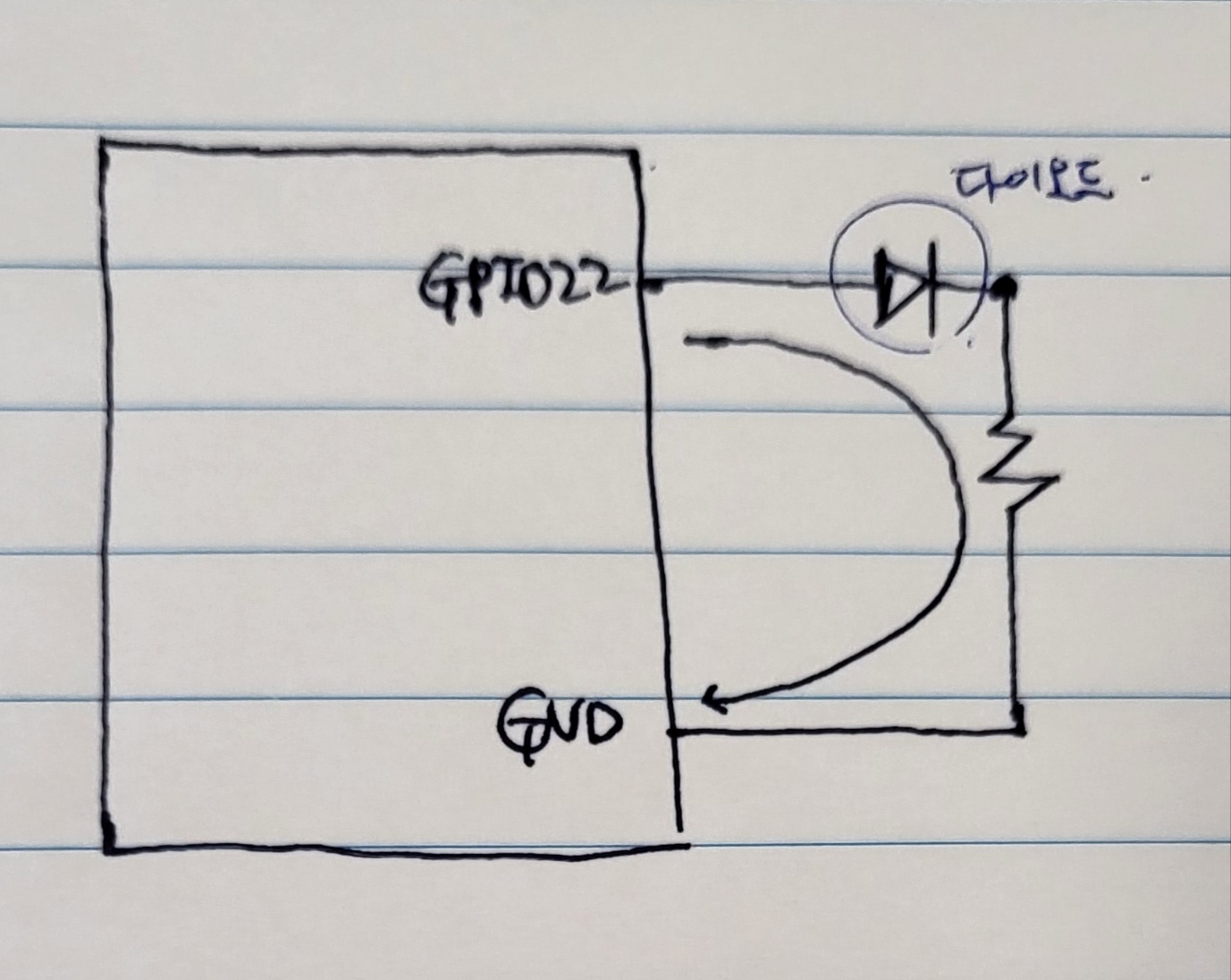
    #include "BluetoothSerial.h"
    #if !defined(CONFIG_BT_ENABLED) || !defined(CONFIG_BLUEDROID_ENABLED)
    #error Bluetooth is not enabled! Please run `make menuconfig` to and enable it
    #endif
    BluetoothSerial SerialBT;
    #define LED2 22
    void setup() {
        Serial.begin(115200);
        SerialBT.begin("ESP32test_sy");
        Serial.println("The device started, now you can pair it with bluetooth!");
        pinMode(LED2, OUTPUT);
        }
      void loop() {
        if (Serial.available()) {
          SerialBT.write(Serial.read());
        }
        if (SerialBT.available()) {
          char txt = SerialBT.read();
          Serial.write(txt);
        if(txt == 'o'){
          digitalWrite(LED2, HIGH);
        } else if(txt == 'x'){
          digitalWrite(LED2, LOW);
        }
      }
      delay(20);
    }
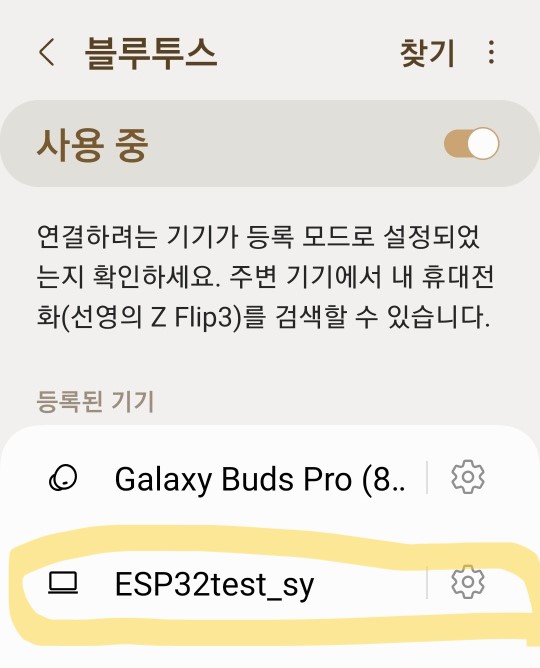
- ESP32와 블루투스가 연결되었는지 확인
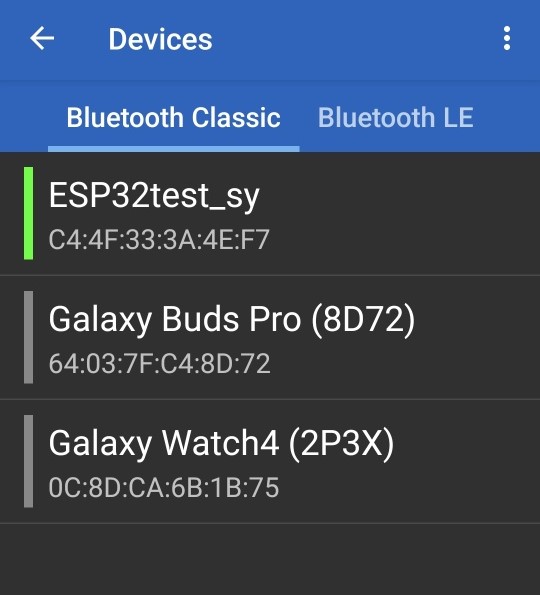
- 플레이 스토어에서 Serial bluetooth terminal 어플리케이션을 다운받음. Bluetooth 장치의 이름인 "ESP32test_sy"에 연결
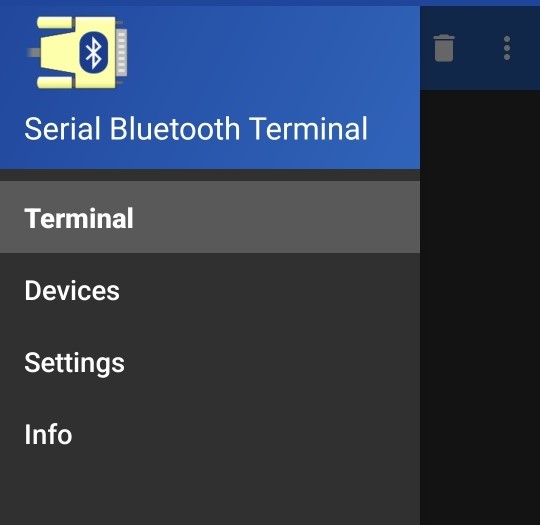
- 어플리케이션 Terminal 창을 통해 LED 제어 실습.
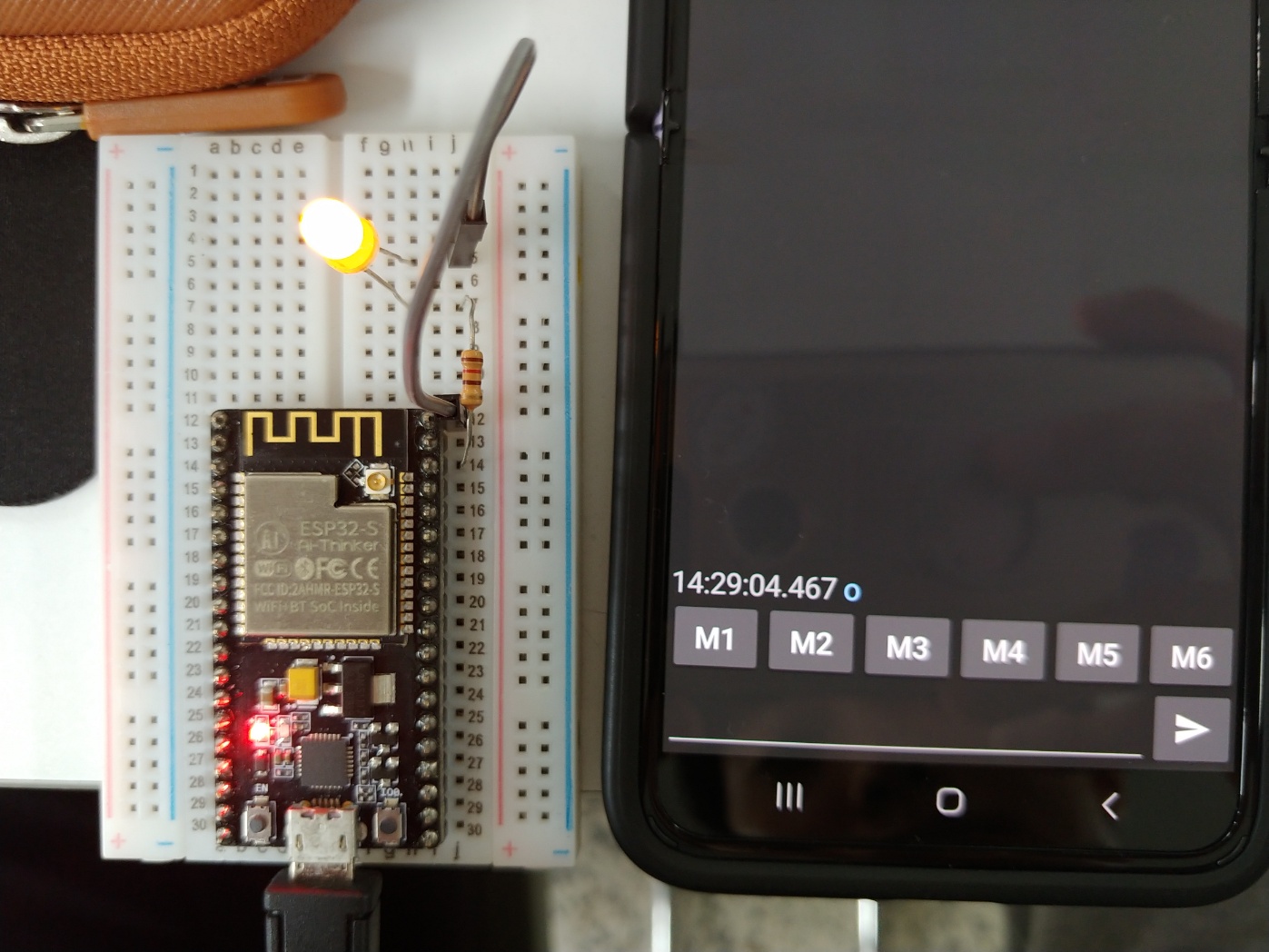
- 문자 'o'를 전송했을때
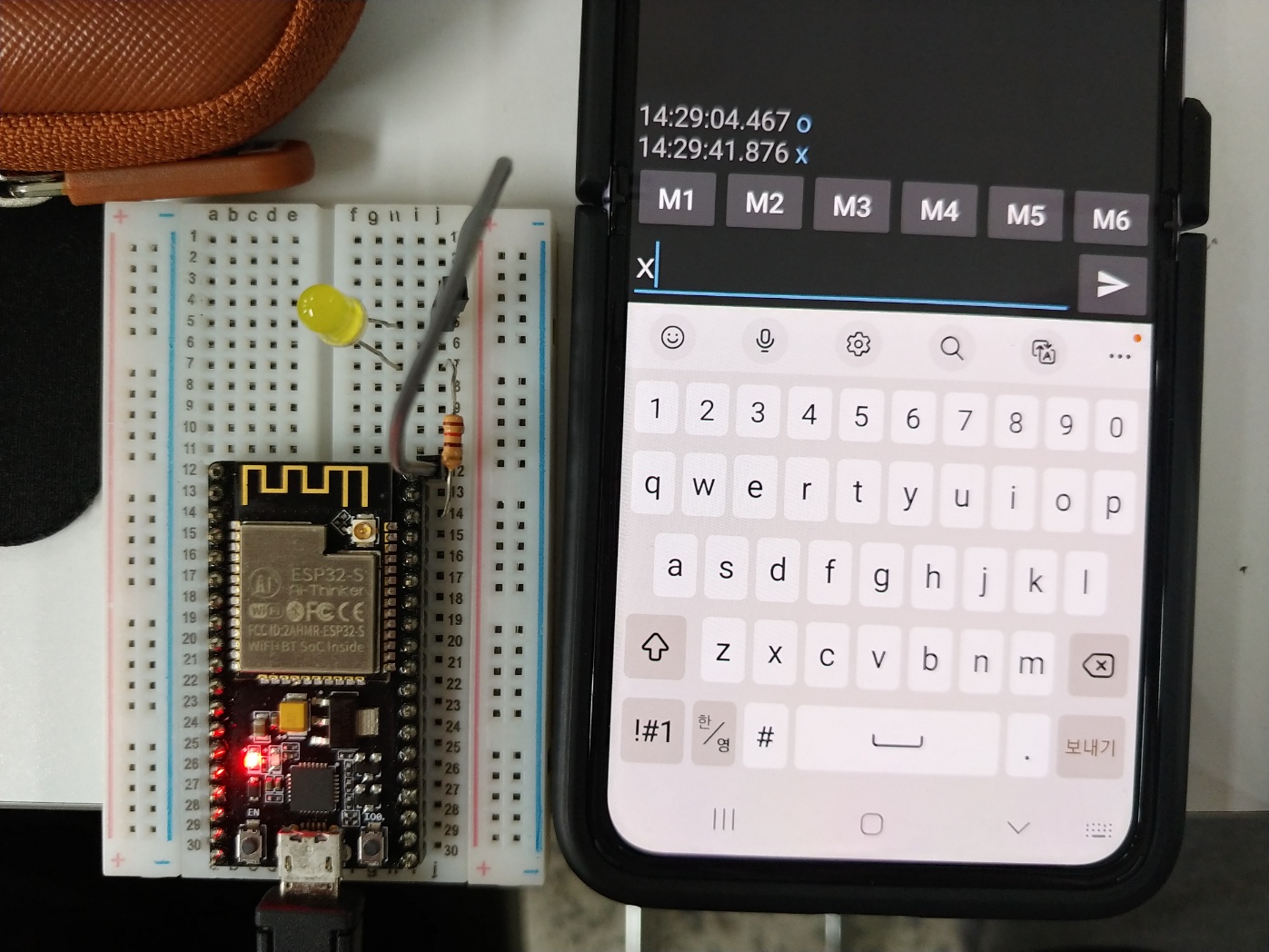
- 문자 'x'를 전송했을때
- 휴대폰 블루투스가 아두이노와 무선으로 데이터를 전송할 수 있다는 것이 흥미로웠음.
- 블루투스 신호가 잡히면 바로 연결되는 점 또한 무척 편리하게 느껴졌음.